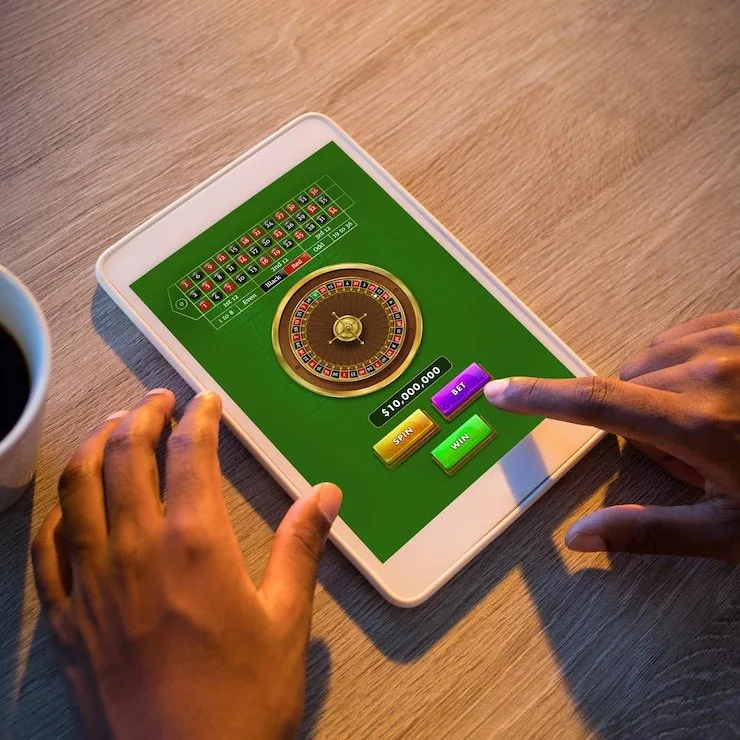

Mobile Access in 3 Simple Steps
There is no APK file to sideload and no app store listing to hunt for — gu777vip runs through your phone browser, which means the experience is always on the current version without manual updates. Here is how to get going. First, open gu777vip in Chrome on Android or Safari on iOS — both browsers handle the full lobby without extra plugins.
Second, check that your browser is up to date; an outdated browser can drop live-stream quality or block biometric prompts. Third, sign in with your account credentials or use fingerprint login if you have already enabled it. After that, add the site to your home screen using your browser's 'Add to Home Screen' option so it opens like a native app on
every return visit.
- Open gu777vip — Type the address directly into Chrome or Safari — no third-party link needed.
- Check browser compatibility — Make sure your browser is current. Chrome 110 and above and Safari 15 and above handle the live lobby cleanly.
- Sign in securely — Enter your account credentials or use your registered biometric to land straight in the lobby.
- Add to home screen — Use your browser menu to pin the site — one tap from your home screen on every future visit.